


By Anthony Wu · ELEGAUDIO · November 28, 2026
Can you move a digital mixer show file to a different model? Only when the exact source and destination combination is documented as supported, or a documented conversion path is available. Otherwise, rebuild the setup from a written input/output map and test it on the destination mixer. A file loading successfully is only the start of acceptance.
The goal is to reproduce the required show behaviour on the destination system: the correct sources reach the correct channels, monitor mixes and outputs; the operator can recall the agreed setup; and a known recovery route remains available. This guide is for distributors, rental teams and integrators moving between models or evaluating a replacement sample.
Separate three objects before you start: the event's written requirements, the manufacturer's saved-file format, and the destination hardware configuration. The first can travel as a document. The second and third require an explicit compatibility check. Similar screens, USB sockets or channel labels do not prove that two consoles read the same files.
Our scene recall guide covers saving and recalling a setup on an identified system. This article addresses the additional risks introduced by a different model, firmware version or connected I/O system.
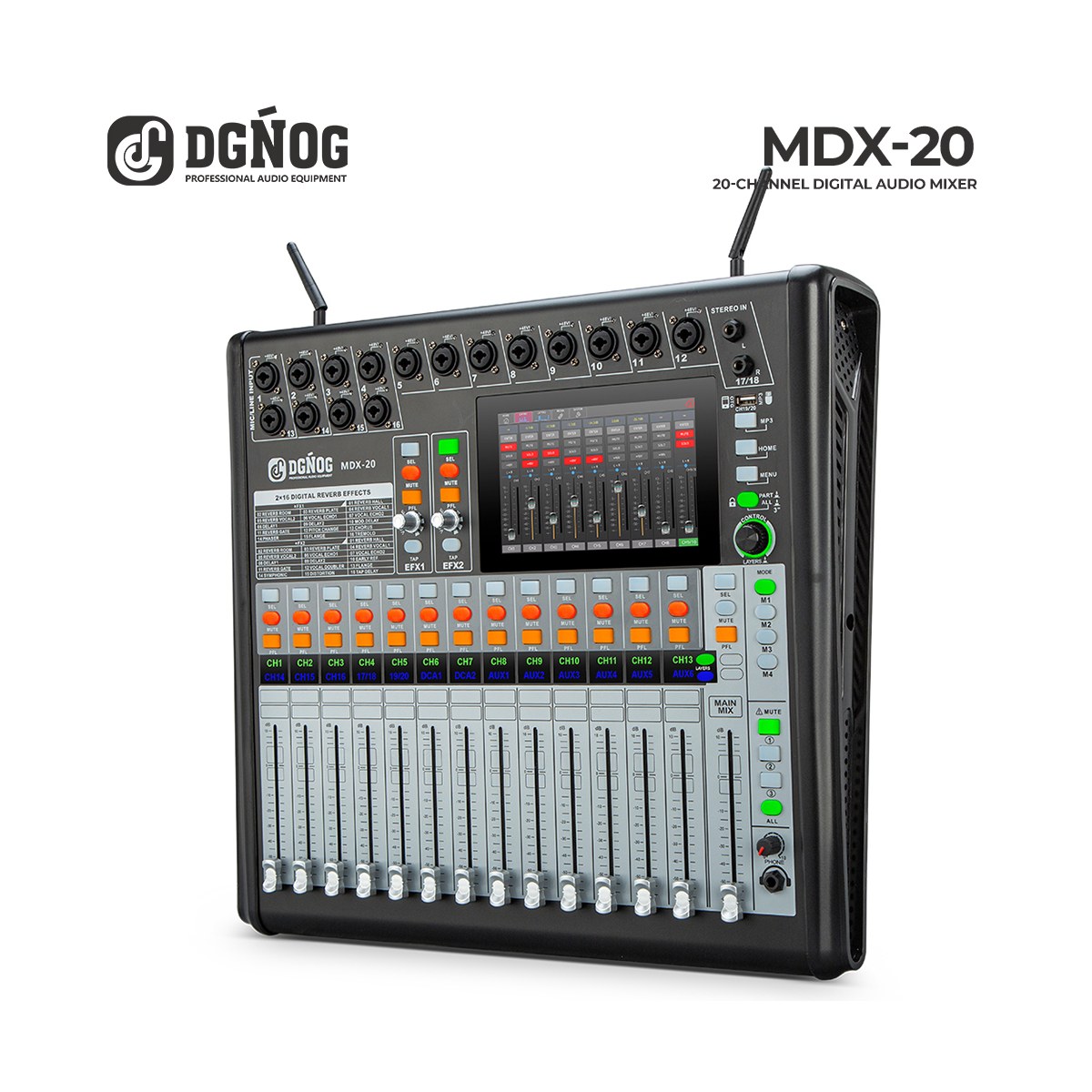
DGNOG MDX-20 digital mixer product reference. The image identifies the product; it does not establish file compatibility with another model.
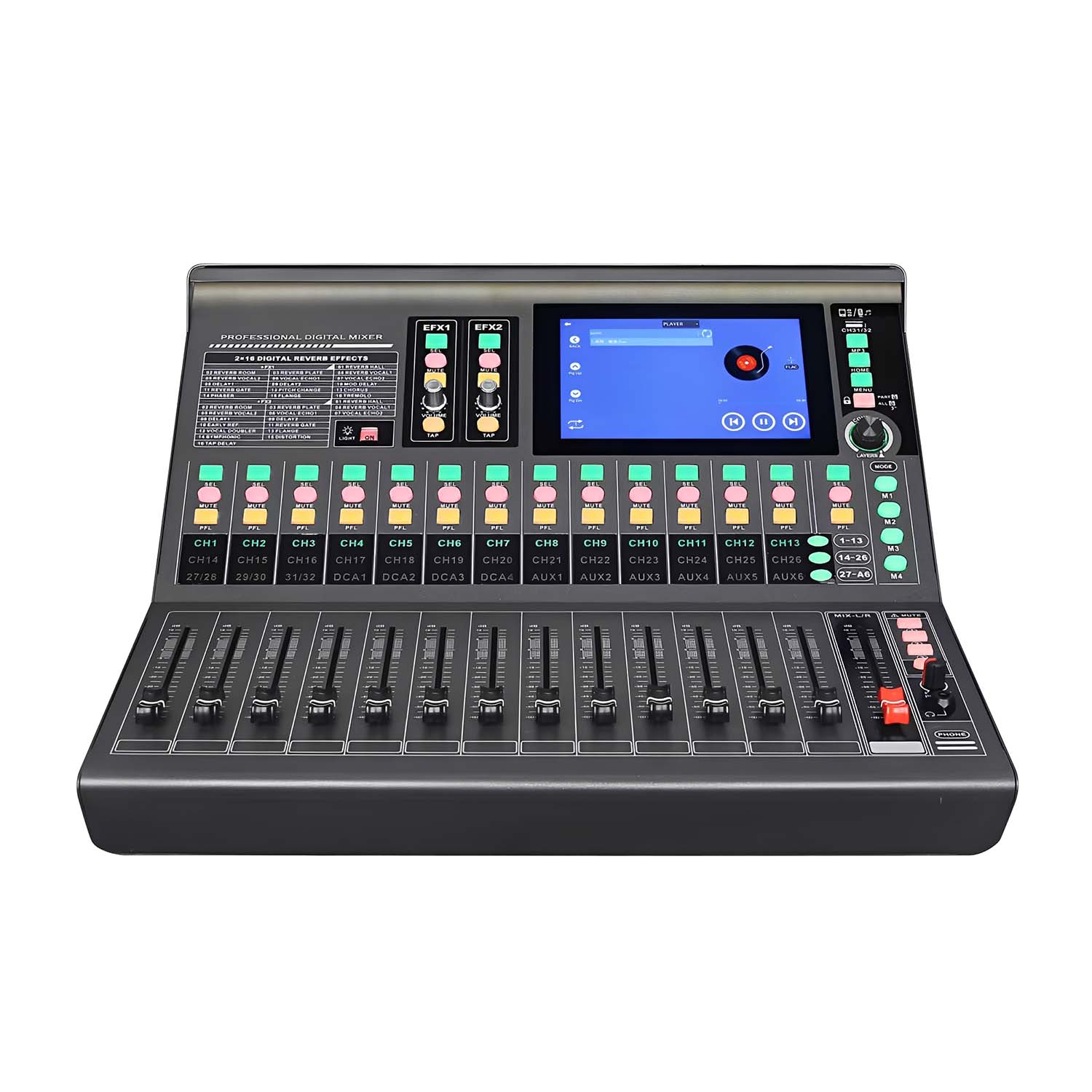
DGNOG MX3210 digital mixer product reference. The image identifies the product; it does not establish file compatibility with another model.
A scene, a show and a preset are not interchangeable promises. Check which settings each file actually stores and what recall filters, safes or exclusions can leave unchanged. Also check whether the saved data includes the routing and system settings you need. Manufacturer terminology takes priority over a generic checklist.
| Checkpoint | Record before migration | Destination acceptance evidence |
|---|---|---|
| Identity and file support | Exact models, firmware, file type and supporting manual or tool version | Documented route matches the actual two systems |
| Input patch | Source name, connector, channel and preamp ownership if shared | Each source appears on the intended input |
| Monitor outputs | Mix owner, tap point, mono/stereo requirement and physical socket | Each required monitor receives its intended independent mix |
| Processing and control | Required functions, groups, layers and any unavailable resources | Operator demonstrates the agreed behaviour and records substitutions |
| Recall and rollback | Protected source, destination backup, recall exclusions and restore instructions | Controlled recall and recovery checks completed; limits signed off |
Worked example, not a product test: a rental team has twelve input sources, three independent mono monitor mixes and one stereo playback source. Its existing file was made on a different console. The team first maps the physical inputs and three outputs, checks the documented migration route, and records any processing it must rebuild. Acceptance requires hearing each source at its intended destination and repeating the recall check. Merely seeing the same channel names is insufficient.
The MDX-20 and MX3210 images here show two product references available on our website. No direct show-file exchange between them is claimed. Ask for the current documentation and test the actual offered sample. The same discipline applies when evaluating DAM, T, XR, MR, FLOW8 or X32-based workflows; inclusion in a discussion is not evidence of shared file formats or authorization to supply a particular brand.
Why this is a documented check: Yamaha provides a Console File Converter for specified console families. That is an example of a defined conversion route, not support for every mixer. Allen & Heath's dLive Show utility guidance describes firmware-direction restrictions, settings replacement and checks for newly introduced features. These examples illustrate why model and version matter; they do not establish compatibility for the ELEGAUDIO product references shown above.
ELEGAUDIO supports Enping professional-audio sourcing through product selection, supplier clarification, sample evaluation, quality-control coordination and export delivery. A useful migration request contains both exact equipment lists and the show worksheet. We can use these to clarify the appropriate sample demonstration and the responsibilities to confirm for an order; a compatibility guarantee requires evidence for the actual configuration.
No. An extension alone does not identify all file contents, hardware assumptions or firmware requirements. Use the manufacturer's exact support statement and a controlled test on the destination unit.
This guide does not claim that. Obtain explicit current documentation for both models. If direct transfer is not supported, use the written input/output map to rebuild the setup and validate it on the destination.
Plan versions from the manufacturer's compatibility requirements and your test window. Back up first and use the exact model's documented update procedure if an update is required. Avoid introducing an untested change immediately before a live show.
File loading does not independently verify the physical patch, connected I/O or recall exclusions. Trace the affected channel through its assigned mix and physical output. The AUX monitor checklist helps verify that branch.
Redesign the show requirements explicitly. Identify what can be combined, omitted or provided externally, obtain approval and test the revised plan. A converted file cannot create unavailable hardware or processing resources.
Send your country, intended application, exact source and destination models and versions, required input/output map, quantity and any unresolved function. Include screenshots with unrelated private information removed. Start with the sample-to-shipment acceptance checklist for the wider purchasing record.
Discuss your evaluation brief: contact Yara at yara@elegaudio.com or WhatsApp +86 136 3129 1403. Include both exact models, versions, your application and purchasing quantity.
#DigitalMixer #ShowFiles #SceneRecall #AudioRouting #ELEGAUDIO #GEO #ProfessionalAudio