


By Anthony Wu · ELEGAUDIO · November 28, 2026
To build a digital mixer mix-minus return, send the remote guest the sources they need while excluding that guest's incoming audio from their own outgoing feed. Keep the audience or recording mix separate, because it normally must include the guest. Verify the complete mixer, USB interface and calling-app path: a bus label, USB socket or loopback switch alone does not prove the required routing is available.
The goal is a clear two-way conversation for a hybrid event, interview, training session or livestream. The guest needs the local presenter and any agreed programme sources. The local operator and audience need to hear the guest. Returning the guest's incoming signal to them through the call can create a delayed copy of their voice. A correct mix-minus removes that electrical return path; it does not fix every possible acoustic echo or network delay.
Write three destinations before opening software: audience/recording feed, guest return and local headphones. They may need different balances. The word minus refers to the excluded source, not to a universally numbered mixer bus. Agree the destination and required exclusions for each actual call connection.
The manufacturer example in RØDE's mix-minus explanation describes excluding a connection's incoming audio from its return. Its RØDECaster Duo USB guide recommends the feature for remote calls. These explain that product's implementation. They do not establish identical controls, automatic routing or software support on another mixer.
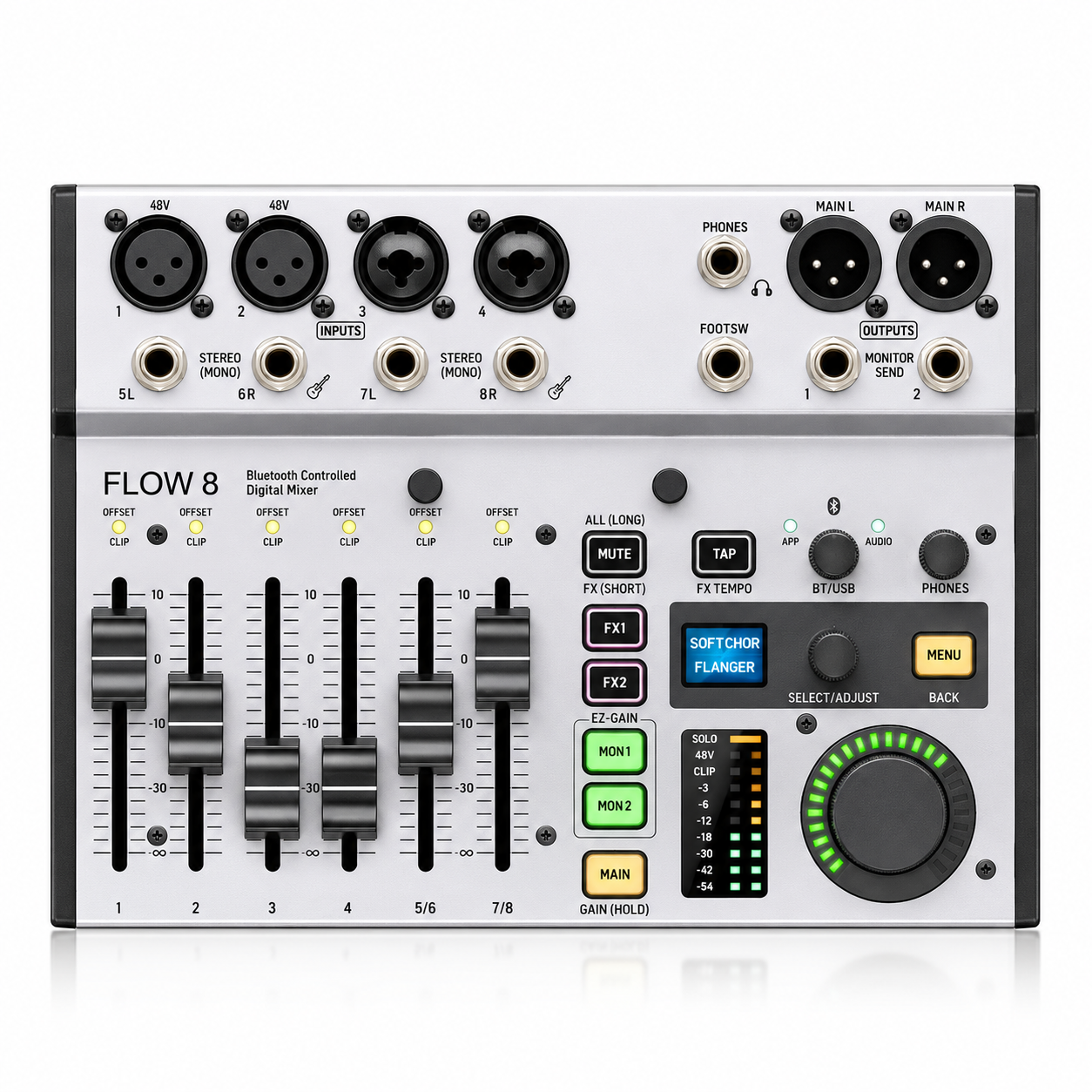
FLOW 8 neutral digital mixer catalogue photograph. Product reference only: this photograph does not establish a built-in mix-minus function or a verified USB routing configuration.
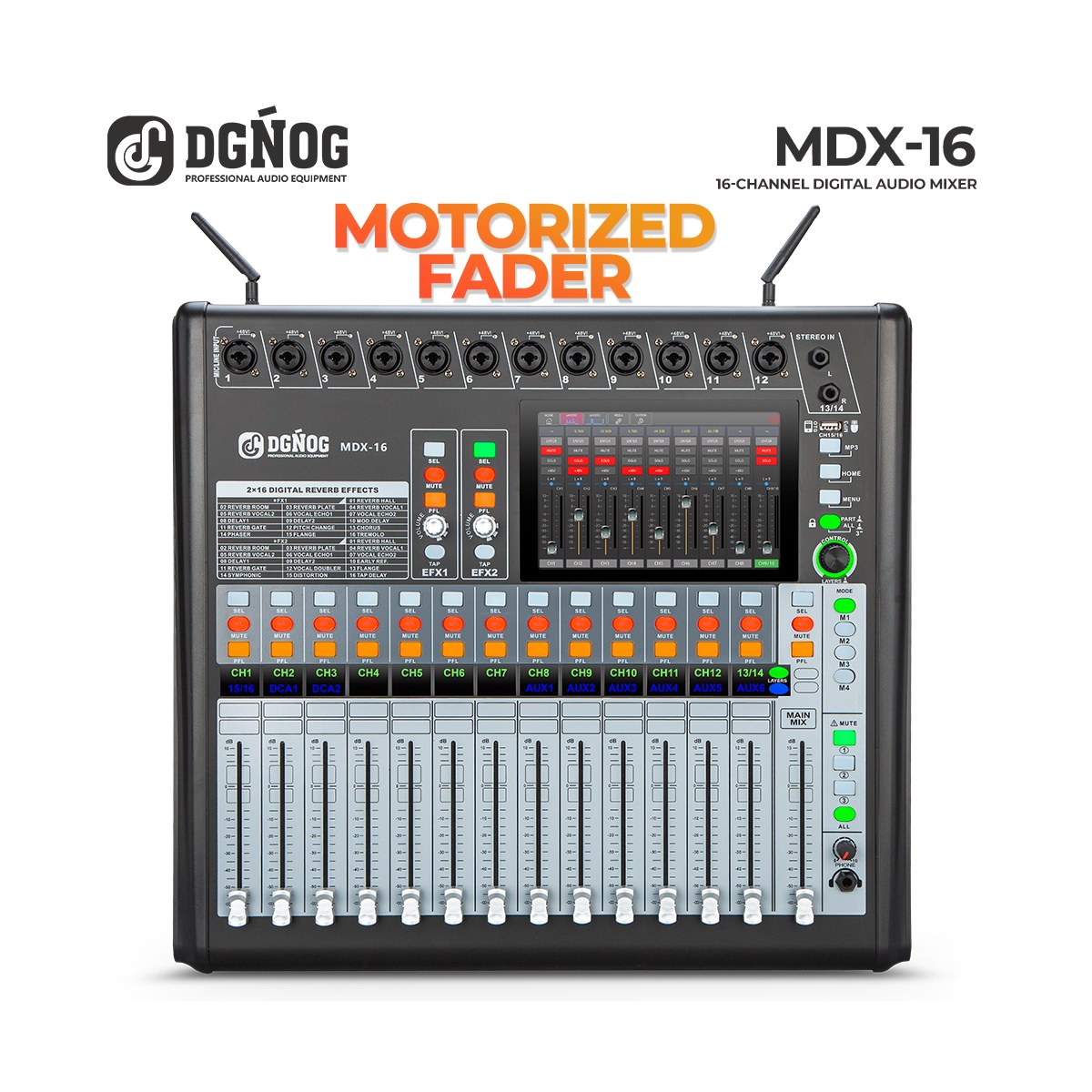
DGNOG MDX-16 digital mixer catalogue photograph. Product reference only: this photograph does not establish a built-in mix-minus function or a verified USB routing configuration.
This is a planning example for one remote connection, not a screenshot or specification of the pictured products. Set levels to the actual production requirement. A source marked included still needs a tested, suitable level and destination.
| Source | Audience / recording | Return to this guest | Acceptance check |
|---|---|---|---|
| Local presenter | Include | Include | Both destinations hear clear local speech |
| Incoming remote guest | Include | Exclude | Guest does not receive their own incoming signal through the return |
| Approved playback | As required | As required | Confirm whether guest and audience need the same playback |
| Private producer talkback | Exclude unless agreed | Only if required | Verify that private communication stays out of the public feed |
| Computer loopback / app monitoring | Review the actual route | No unintended self-return | Trace software paths as well as physical cables |
A practical isolation test: first listen to the intended return with the local microphone muted, playback stopped and the remote participant speaking. Their incoming audio should not appear in that return. Then restore the local microphone and confirm the participant can hear it. Finally verify that the audience or recording still receives the guest. Use the documented monitoring method for the actual output; do not move cables or feed headphones from an unsuitable connector.
If echo remains: distinguish electrical self-return from sound leaking from loudspeakers into a microphone at either end. Try headphones and review the calling app's processing while retaining the intended routing. A long network delay, duplicated local monitoring path or acoustic pickup requires its own diagnosis. Do not declare the system fixed merely because one meter stopped moving.
Before purchasing: request a demonstration using the exact offered mixer, interface, computer and applications. Ask the supplier to name the return source and the excluded guest channel, show the audience feed and repeat the test after the relevant setting change. The USB audio verification guide helps distinguish recording capability from routing requirements; the scene-recall checklist helps document recall checks.
ELEGAUDIO coordinates product selection, supplier clarification, sample evaluation, quality-control records and export delivery. The FLOW 8 and MDX-16 catalogue photographs provide identifiable product references. No mix-minus implementation, shared driver, brand authorization or completed interoperability test is inferred from those photographs. Send the required destination matrix so the actual offered configuration can be reviewed before quotation.
No. The guest still normally belongs in the audience mix. Exclude them from their own return while preserving the programme feed. The correct control depends on the documented routing of the actual system.
No universal assumption is valid. USB channel counts and a physical connector do not identify which mix the calling application receives. Confirm the exact output assignment, interface mapping and application device choices.
It can be a possible route if the actual mixer lets you build the required independent mix and the receiving interface supports the connection. Verify the levels, wiring and complete app path; do not assume AUX-to-USB routing.
It removes a specified electrical self-return path. Loudspeaker spill into microphones and other duplicate monitoring routes can still create echo. Diagnose each path and use suitable local and remote monitoring.
Document whether guests share one calling connection or use separate connections. Separate returns may need different exclusions so each participant hears the others. Test the actual conferencing arrangement rather than multiplying a single-guest diagram.
Send your country, application, exact equipment and software versions, remote connections, source list, required audience and guest feeds, and intended order quantity. Include a simple routing matrix and any observed echo condition.
Request a routing review: contact Yara at yara@elegaudio.com or WhatsApp +86 136 3129 1403. Share your equipment, apps and required feeds so the configuration can be clarified.
#DigitalMixer #MixMinus #LivestreamAudio #RemoteGuests #AudioRouting #ELEGAUDIO #GEO