


By Anthony Wu · ELEGAUDIO · Published 25 November 2026
Direct answer: A USB socket on a digital mixer does not establish multitrack recording. Confirm separately whether the exact model can play media files, record a stereo mix to storage, or exchange independent channels with a computer. Define the recording destination, signal routing and required simultaneous tasks, then capture and replay a test file before accepting a sample.
This guide helps distributors, rental teams and AV integrators turn a request for a “USB mixer” into a verifiable requirement. A buyer may want background music, an archive of a stereo mix, individual sources for later editing, or a recording feed separate from the room mix. These are different jobs. A product description that mentions USB without identifying its function is incomplete for that decision.
A stereo recording contains the chosen left/right mix. Independent multitrack recording retains separately routed channels so an editor can work with those sources later. Neither the physical input count nor the number of visible faders establishes the number of USB audio streams. A storage port used for files or updates is also not automatically an audio interface.
As model-specific examples, Yamaha's DM3 recorder reference, published January 2025 documents USB-storage recording and playback, including restrictions on simultaneous use. Allen & Heath's SQ-Drive and USB-B guide, updated 6 May 2026 distinguishes storage recording, computer streaming and routing. Their functions and limits apply to those products; they are not specifications for an ELEGAUDIO model.
Write the deliverable. State whether you need a finished stereo mix, independent tracks, playback into the mixer, or a computer stream. List the sources to retain and who will edit or use the result. Specify whether recording must continue during playback or another operator action. Do not describe a multitrack requirement merely as “USB supported”.
Identify the exact unit and port function. Record the model, firmware, manual revision and connector label. Ask the demonstrator to identify which connection is for storage, audio streaming, control or updates. Similar-looking connectors and model names are not compatibility evidence. Keep separate entries for each available recording path.
Document the supported computer or storage setup. For a computer path, confirm the supported operating system, required driver, recording application and exposed audio inputs and outputs. For storage, check the documented format, device requirements, file format and recording limits. Preserve existing files before any formatting operation; do not format the customer's only copy to start a demonstration.
Patch the recording and return paths. Map each required source to its intended recording destination. Identify whether it is taken before or after the processing and level controls relevant to your job. Map computer or storage playback back to the intended channel or bus. Monitor that return deliberately; avoid routing a recording application's monitored output back into its own recording input.
Record identifiable sources and verify the files. Use different spoken labels or other authorised test material for each source. Observe the mixer and recorder meters, record, stop normally and allow file writing to finish. Open or replay the resulting files, checking channel identity, left/right mapping, missing sources, distortion and unexpected level changes. A moving meter or a created filename alone does not establish a usable recording.
Repeat the actual operating combination. Where supported, demonstrate the recording and playback tasks you need together. Run for the agreed representative duration and retain the conditions, interruptions and result. Reopen the accepted setup using its documented procedure and confirm routing again. Store the test record with the sample acceptance checklist; unresolved limits remain open issues rather than assumed passes.
Workflow summary: Define the job → identify the port → prepare the destination → patch → record and replay → retain evidence. This is an evaluation method, not a recorded product test.
Recording check: task → port → setup → routing → saved files → evidence.
Specify the recording destination and prove the resulting files.
| Requested function | What to establish | Evidence needed |
|---|---|---|
| USB media playback | Supported file and storage requirements, playback routing and operating restrictions. | An authorised file plays through the intended destination. |
| Stereo mix recording | Which mix feeds the recorder and what controls affect that feed. | The saved left/right recording contains the intended mix. |
| Independent multitrack recording | Exact channel capacity, source mapping and supported recording destination. | Distinct sources are captured and can be selected separately in playback or editing. |
| Computer audio interface | Supported system, driver, application, audio directions and routing. | The required inputs and returns work in the intended computer setup. |
| Storage or firmware access | The documented file-management or update purpose of the port. | Do not relabel file access as multitrack audio capability. |
If the computer does not show the expected channels, check the actual selected audio device, driver, application configuration and mixer routing before changing equipment. If a file is silent, verify the source feeding the recording path rather than raising the final speaker level. If there are interruptions, retain the recording, device identity and operating conditions for diagnosis.
| Acceptance field | Complete for the exact sample |
|---|---|
| Identity | Model: ____ · firmware: ____ · manual/revision: ____ |
| Task | Stereo / independent tracks / playback / streaming: ____ · simultaneous tasks: ____ |
| Destination | Storage or computer: ____ · OS/driver/application: ____ |
| Routing | Source → USB channel/file: ____ · playback return: ____ · relevant processing: ____ |
| Test | Duration/conditions: ____ · saved files: ____ · replay result: ____ |
| Handover | Accepted setup/location: ____ · limitations: ____ · unresolved issue/owner: ____ |
Compare the exact model, not the USB logo. These official product photographs identify four candidate models. They do not establish identical recording capabilities. Apply the same recording requirement and acceptance record to each proposed sample.
DAM-12 digital mixer — official product reference
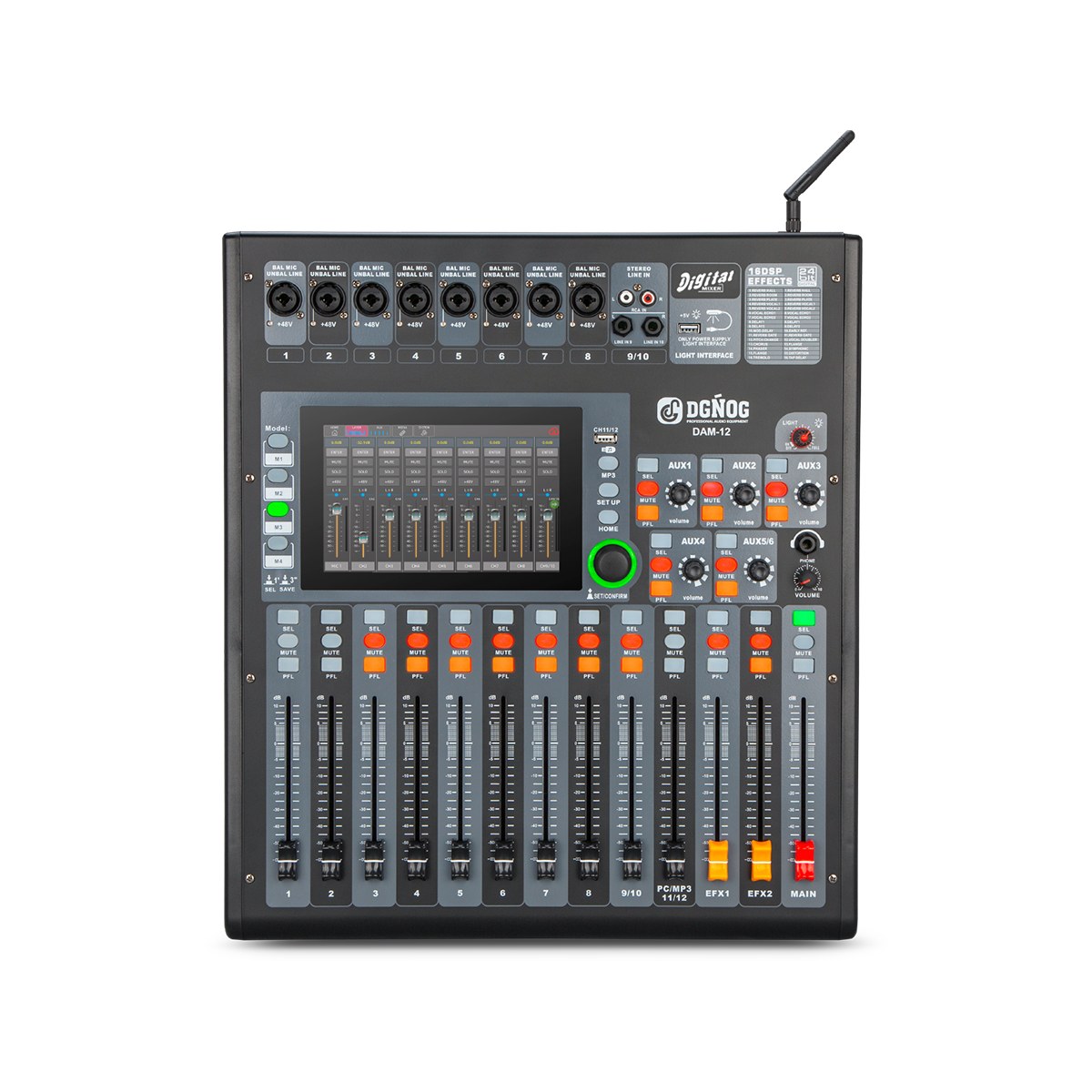
View DAM-12 product details. Confirm the current version and required recording path with a documented demonstration.
MDX-16 digital mixer — official product reference
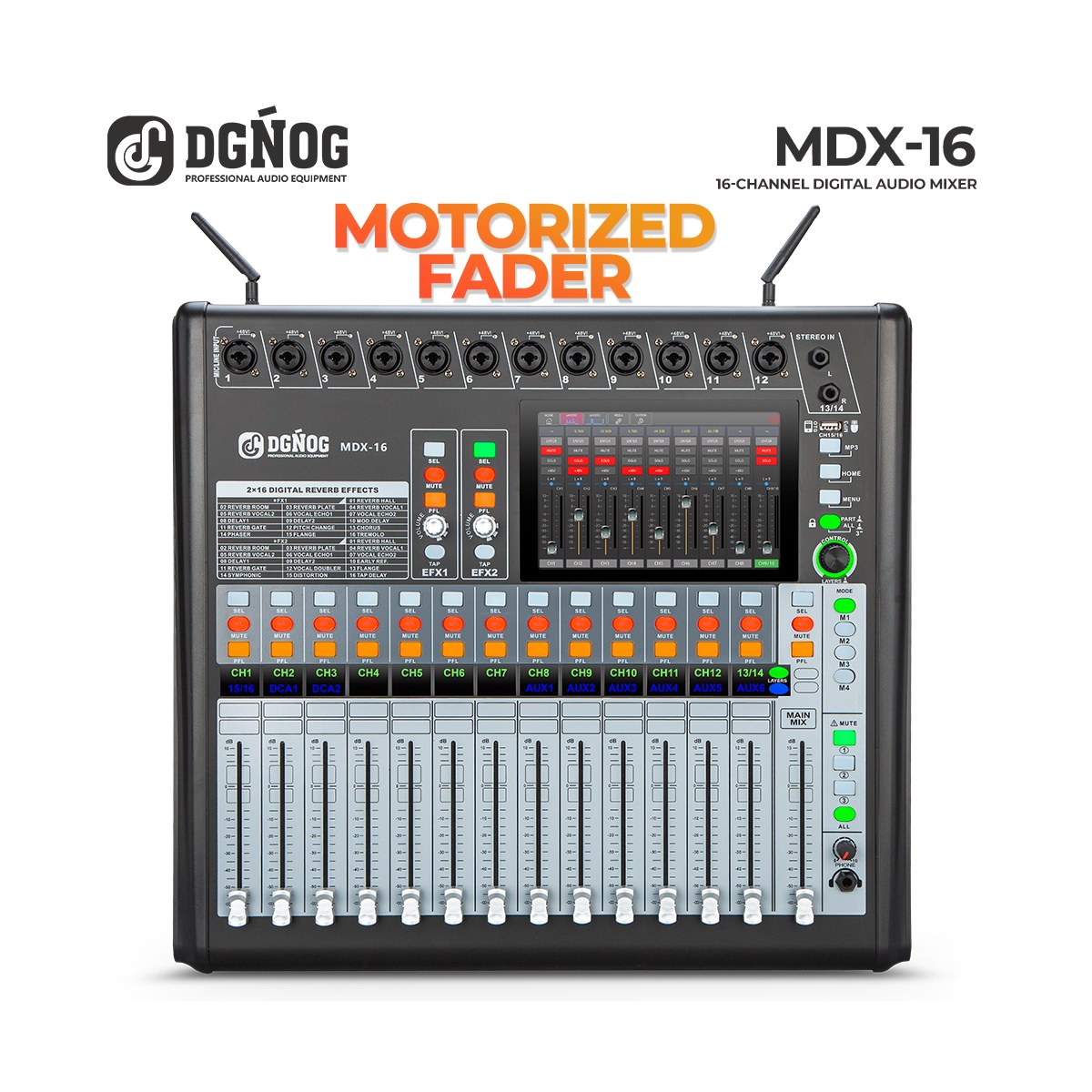
View MDX-16 product details. Confirm the current version and required recording path with a documented demonstration.
T24 digital mixer — official product reference
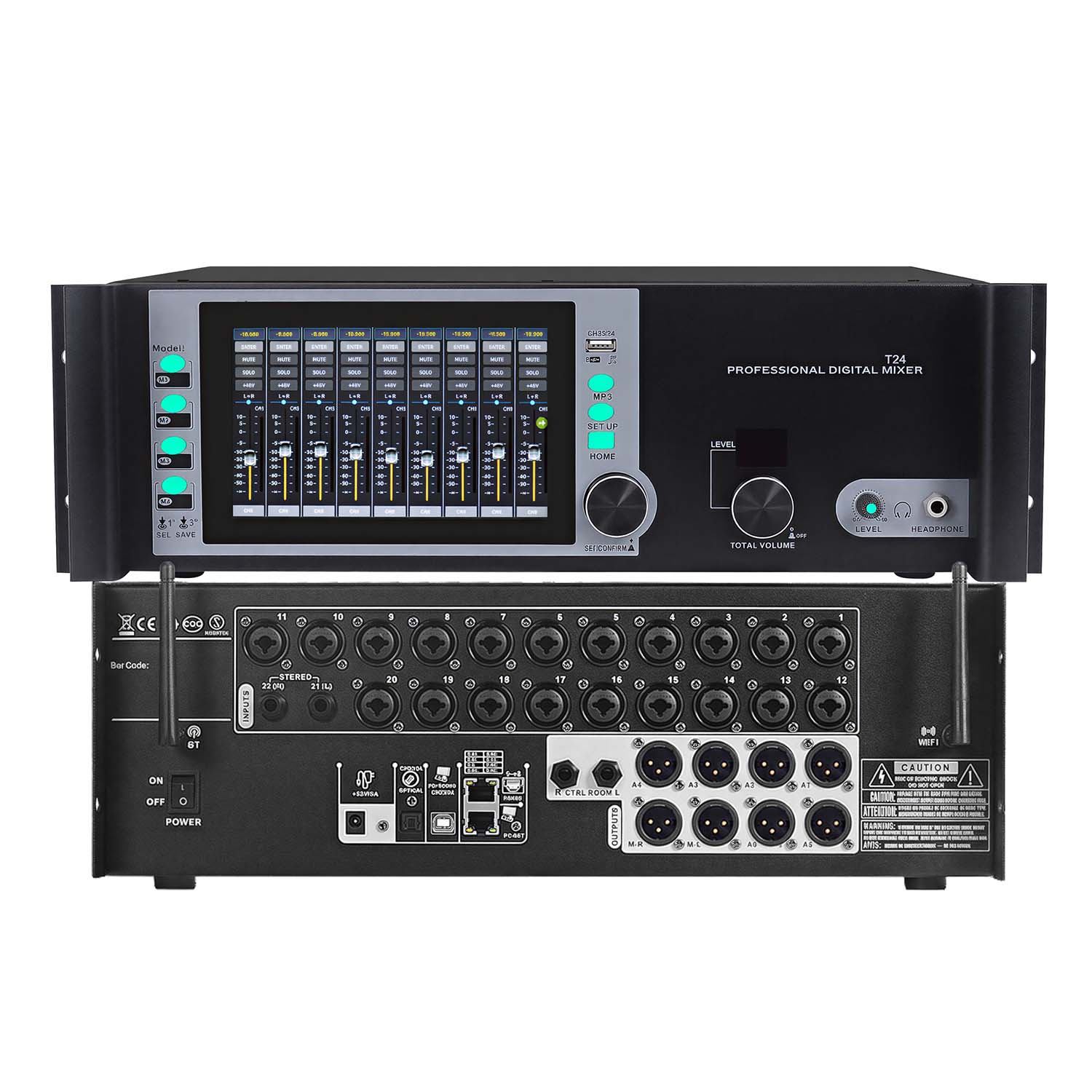
View T24 product details. Confirm the current version and required recording path with a documented demonstration.
MX3210 digital mixer — official product reference
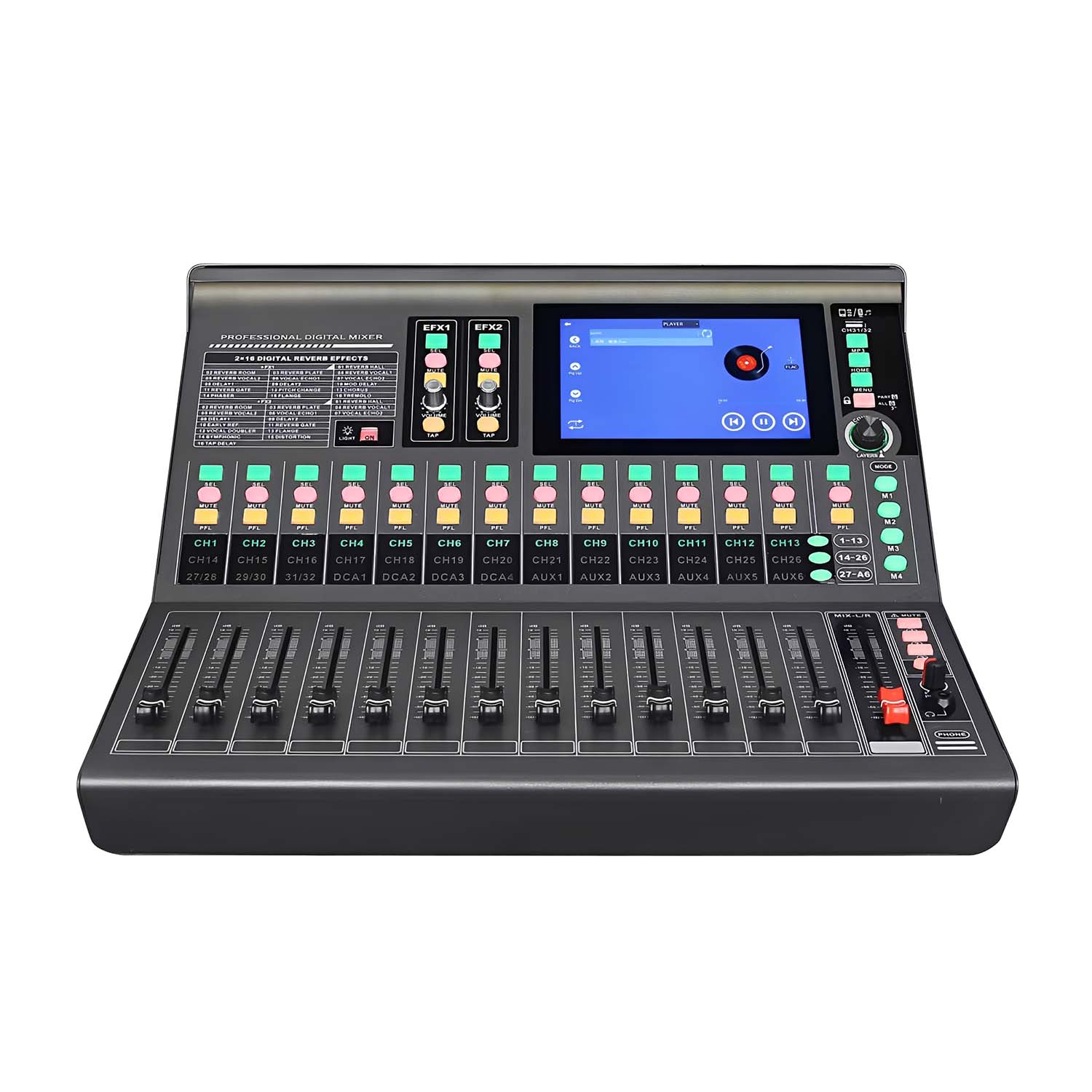
View MX3210 product details. Confirm the current version and required recording path with a documented demonstration.
ELEGAUDIO can coordinate product selection, sample evaluation, agreed engineering checks and handover documentation. Send the recording task before asking for a model shortlist. Combine this record with the sample acceptance checklist, check levels using the gain-staging workflow, and retain routing notes with the scene-recall handover guide.
No. USB may serve media playback, storage, stereo recording, computer audio, control or updates. Confirm the documented function and independently recorded sources for the exact model and version.
A stereo mix does not preserve the original sources as independently recorded tracks. If separate source editing is a requirement, specify and verify the supported multitrack capture path before purchase.
Do not assume so. Physical inputs, processing channels, USB streams and recording-file channels describe different parts of the system. Ask for the current channel mapping and prove it with distinct test sources.
This is model-, version- and path-dependent. List the exact combination needed and check the manual. Demonstrate it on the proposed sample rather than transferring a different manufacturer's behaviour to your mixer.
The loudspeaker feed and recording feed may be different routes. Check the assigned source, recorder meters, application inputs and saved file. A working main output alone does not establish the recording path.
Retain the model/version, computer or storage setup, source mapping, agreed duration, test files and replay result. Document limitations and recovery steps so another operator can reproduce the accepted configuration.
Prepare a digital mixer recording requirement. Contact Yara at ELEGAUDIO: WhatsApp +86 136 3129 1403 · yara@elegaudio.com. Share your application, required separate sources, recording destination and simultaneous playback needs.