


To evaluate digital mixer fader layers, test what each physical strip controls after every layer or mode change, then verify that the displayed values, saved settings and required outputs agree. Start with a documented test setup and controlled monitoring level. A moving fader is evidence of surface movement; acceptance also requires the correct channel assignment and audio result.
For distributors, rental teams and AV integrators, this checklist turns a short product demonstration into a repeatable sample evaluation. It applies the same buyer questions to different consoles without assuming that every model has identical layers, motorized hardware or recall scope.
Author: Anthony Wu | ELEGAUDIO | 26 November 2026
A layer lets a control surface address another set of channels or controls. The physical strip count therefore does not, by itself, describe the complete input capacity or the number of independent mixes. Write down which channel or bus is assigned to each strip in the selected view, using the actual unit and its matching documentation.
Keep three questions separate: which parameter is selected, what value the software shows, and what the audio path does. On a motorized surface, add a fourth observation: whether the physical position follows the selected parameter as documented. On a non-motorized surface, ask how the console handles a mismatch between physical position and stored value. Do not assume that either behavior follows one universal rule.
The buyer's goal is reliable operation during a real changeover, not a speed contest. Agree which channels, monitor balances and saved settings matter to the intended work before judging the sample.
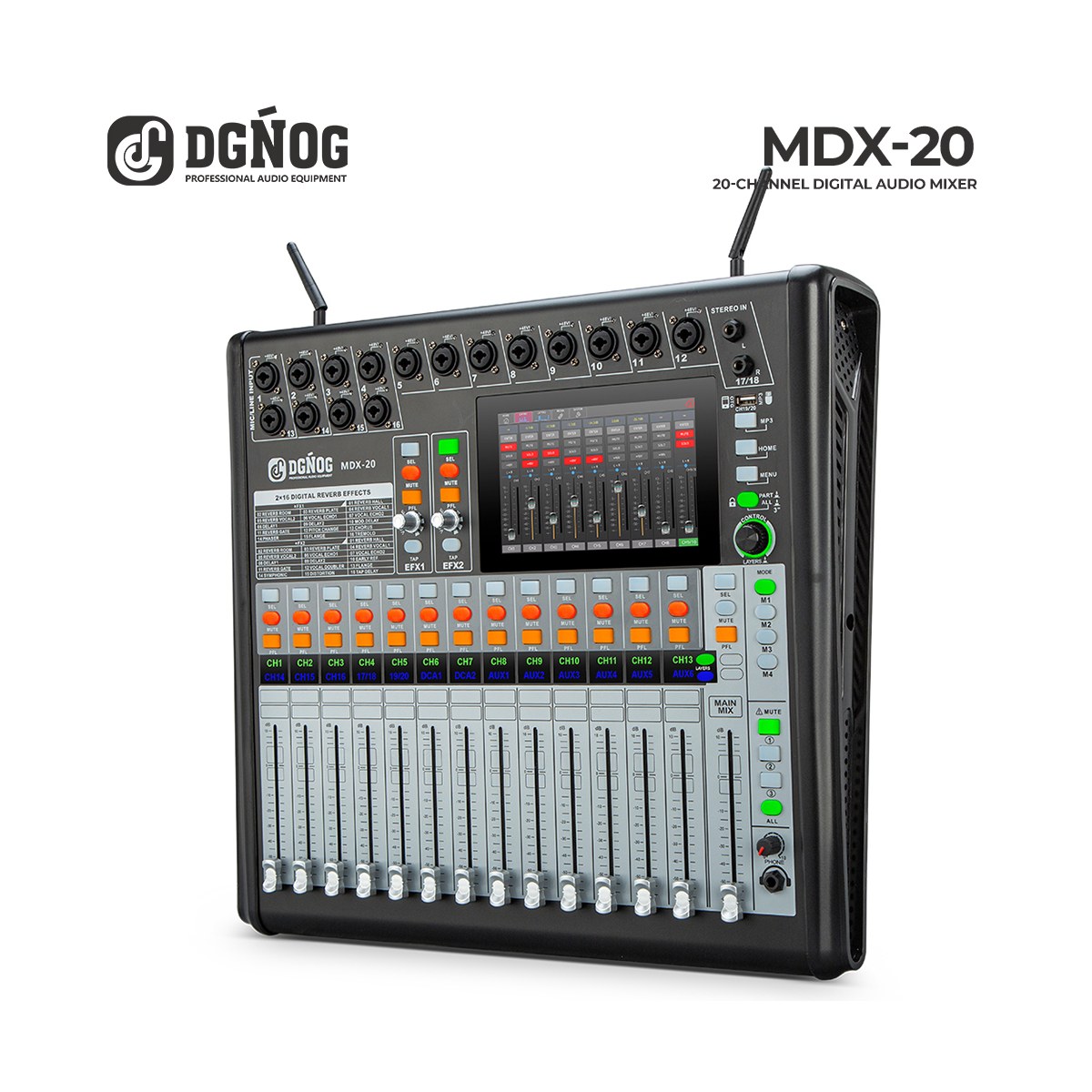
MDX-20 catalogue reference. Use the matching manual and offered sample to identify its layer and control behavior.
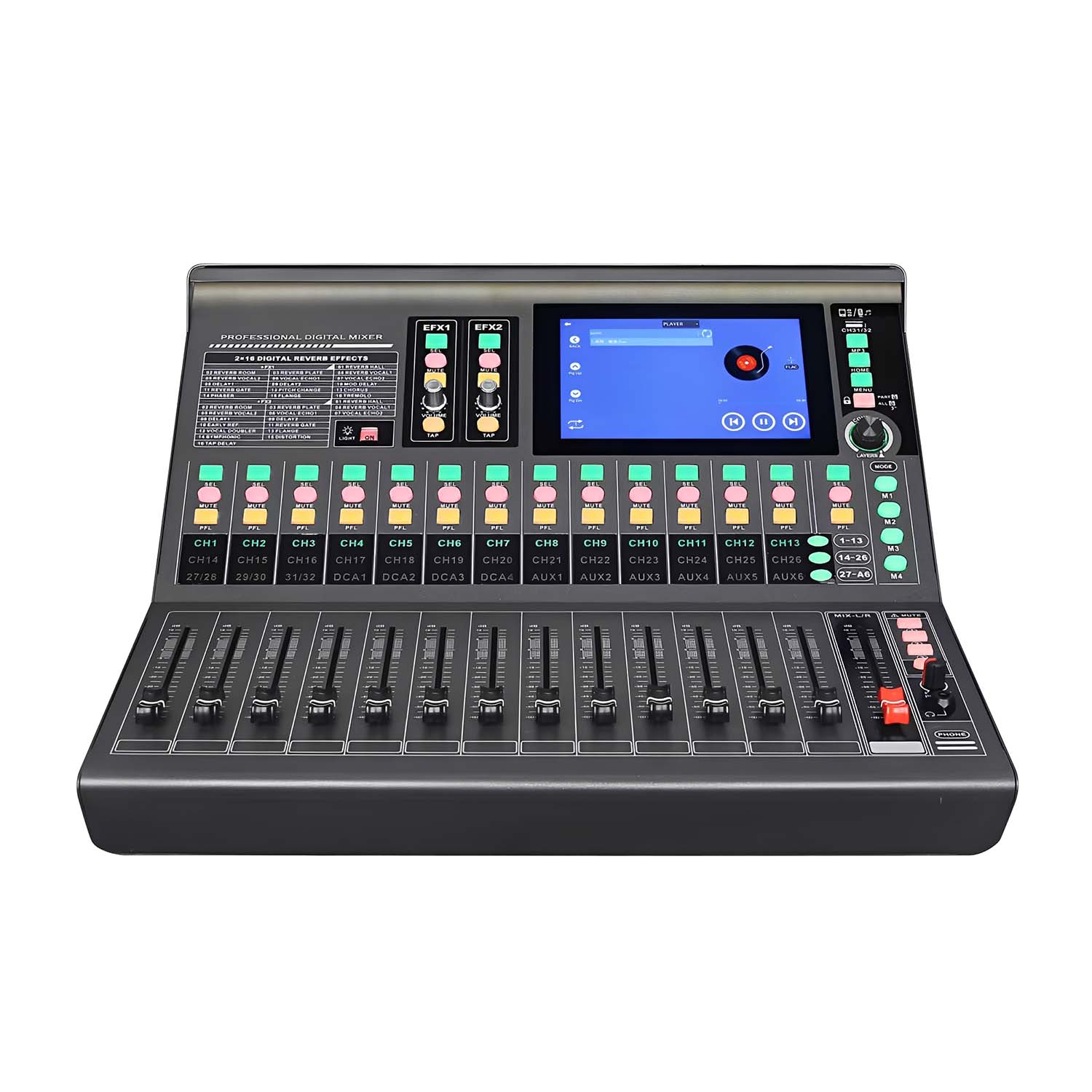
MX3210 catalogue reference. Photographs show the products; the test below establishes observations on the evaluated unit.
Use one row per action. A short continuous video can help connect the selected layer, channel label and resulting audio observation, but retain the written values as well. Do not treat an edited promotional clip as the full acceptance record.
| Action | Expected observation | Evidence to retain |
|---|---|---|
| Change input layer | The documented channel assignment is clear before adjustment | Layer name, strip number, channel label and before/after values |
| Adjust one test channel | The intended parameter changes; other test values remain as expected | Selected channel, parameter, value and listening observation |
| Enter a send-control mode | The chosen destination and source are identifiable | Mode, destination, source and output checked |
| Recall a saved state | Included parameters return according to the documented scope | Saved-state name, exclusions, expected/observed values |
| Restore the starting setup | The agreed operating configuration is recovered | Restoration method, remaining conditions, operator and date |
If an observation differs, record the action that reproduces it, relevant mode, software version and supporting clip. Ask the supplier to classify it as configuration, documented limitation or an issue requiring correction. Accept the sample against agreed requirements rather than an assumed behavior from another console.
ELEGAUDIO can use this buyer brief when coordinating a sample review and quotation. Send the intended application, required control workflow and target market, together with the exact model under consideration. Commercial terms, available versions and support scope require confirmation for the offered unit.
No. Surface movement does not establish which other parameters were included. Check recall scope, exclusions, displayed settings and the required audio path. Retain the observations from the actual sample.
No. A surface may use layers or modes to control different parameters. Read the documented input architecture separately from the strip count, then identify the assignment shown by the actual console.
Consult the matching instructions and test the documented handling before use. Record whether a move changes the value immediately or follows another documented behavior. Do not infer the method from a photograph.
Repeat the acceptance actions relevant to the updated configuration before relying on it for a show. Retain the new version and results separately so that a previous demonstration is not mistaken for evidence of the current setup.
Send the model, country, application, desired quantity and required layer, send-control and recall tasks. Include the acceptance record you want demonstrated. This helps turn a feature request into a specific evaluation brief.
Continue with the digital mixer scene-recall checklist. For model evaluation, read the MDX-20 buyer guide.
Request a documented sample evaluation: yara@elegaudio.com | WhatsApp Yara. Include your control workflow and destination country.
#DigitalMixer #FaderLayers #MDX20 #MX3210 #LiveSound #ELEGAUDIO