Before ordering an XR18 or MR18 digital mixer, verify the exact offered unit against your input list, independent monitor mixes, control devices and computer-recording workflow. A familiar model name is a starting point. Your purchase record should identify the brand, hardware version, firmware, included accessories and responsible support contact. Use one written acceptance checklist for the quotation, sample and shipment.
By Anthony Wu | ELEGAUDIO | November 26, 2026. This is a purchasing and verification guide, not a report of an ELEGAUDIO laboratory comparison. Model-specific functions must be confirmed for the unit offered.
Start with a recurring customer application: a band carrying its own monitor system, a rental team sharing equipment between events, or an integrator preparing a fixed installation. Each may use a compact mixer differently. A buyer who needs a repeatable show setup should specify who controls it, which devices are used and what happens if the control connection is interrupted.
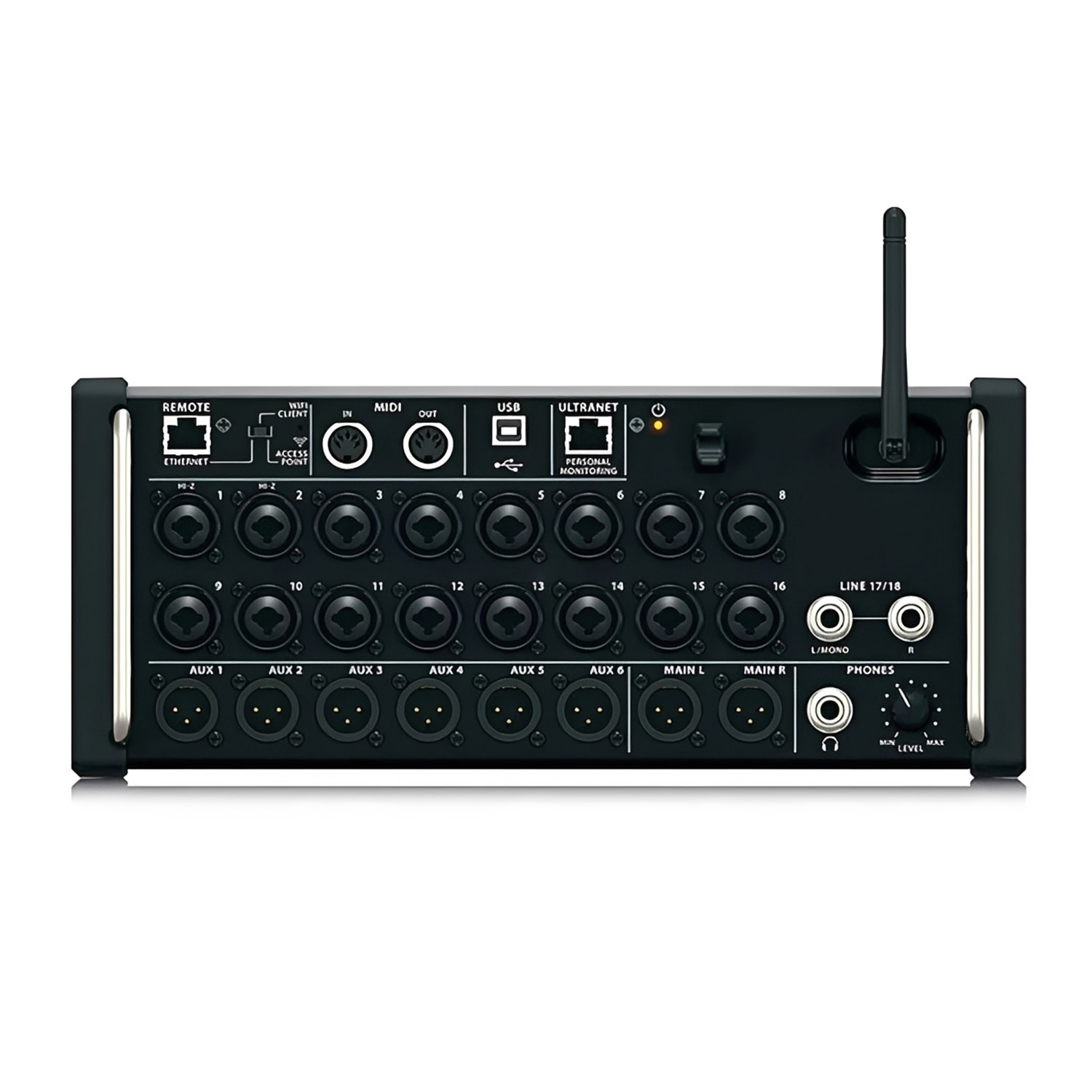
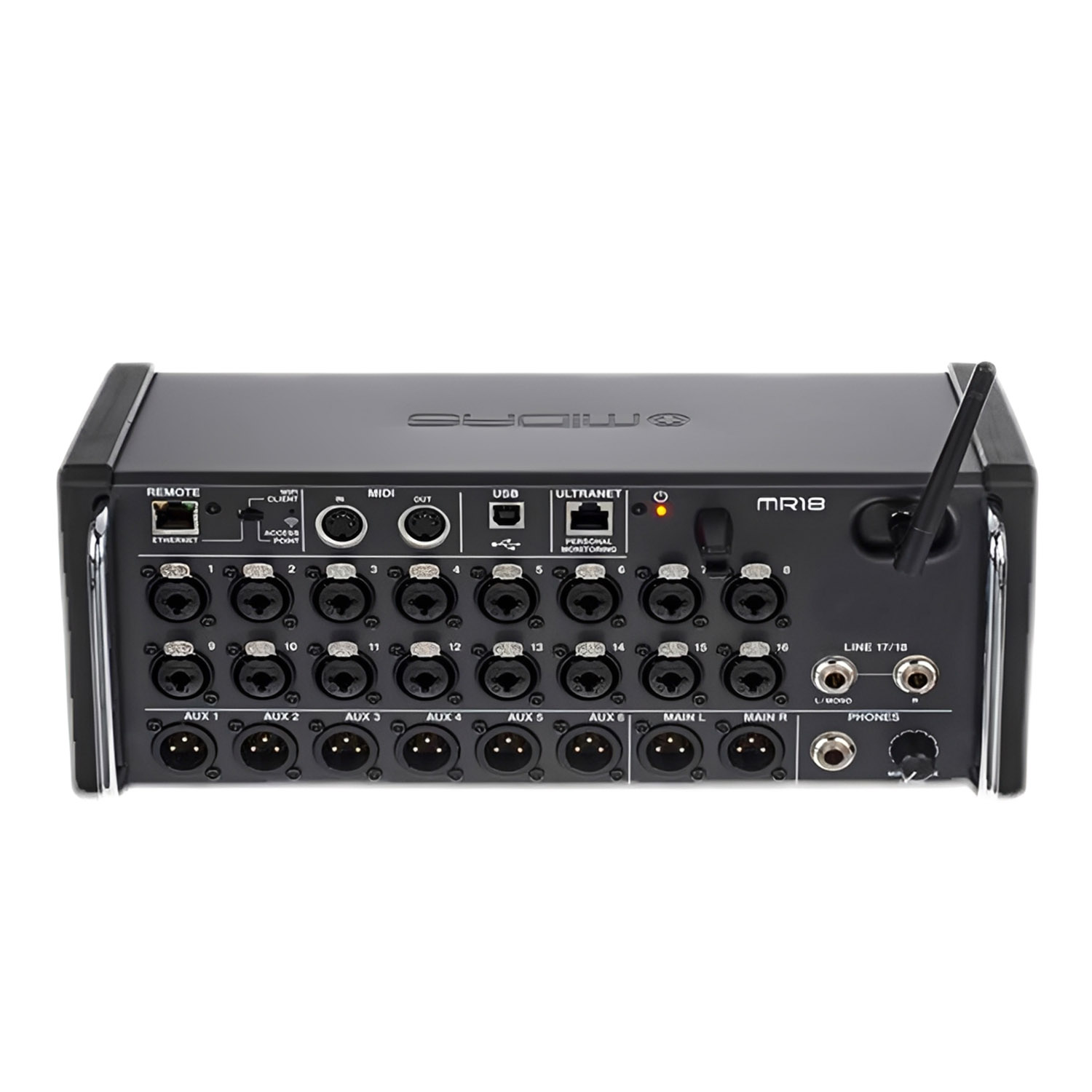
For distributors, the useful outcome is a specification that sales and service teams can both explain. Do not rely on a model number to resolve different product identities or versions. The product photographs below refer to the corresponding ELEGAUDIO catalogue listings; they do not establish current stock, manufacturer authorization or equivalence to another supplier's unit.
For a working input list, see digital mixer channel planning. For recording terminology, see stereo, multitrack and playback verification.
Use the same acceptance record at each stage. A demonstration proves only the configuration and conditions that were actually demonstrated. Keep the sample identity and test conditions attached to the result so that a later shipment can be checked against the agreement.
| Check | Evidence to retain | Acceptance question |
|---|---|---|
| Product identity | Brand, model, version, label photographs and manual reference | Does the offered unit match the agreed product? |
| Inputs | Numbered source list and connector photographs | Can the required sources be connected and assigned? |
| Monitoring | Mono/stereo mix requirements and complete output routing | Can the required independent balances be demonstrated? |
| Control | Device, OS, software version and reconnect procedure | Can the intended operator control the actual unit? |
| Recording | DAW/driver configuration and a short recorded session | Does the demonstrated workflow deliver the required tracks? |
| Delivery | Packing list, accessories and agreed service contact | Does the shipment match the accepted sample and terms? |
Record each result as demonstrated, unresolved or not required. An unresolved item should stay visible in the purchase record. For the control network, use the venue network and backup checklist; for monitoring, use the pre-fader AUX soundcheck checklist.
Should I choose XR18 or MR18 from the model name alone?
Use the name to identify candidates, then compare the current offered units against the same application and acceptance record. Verify differences with the relevant documentation and a demonstration. This guide does not assign an unsupported winner or assume all suppliers offer identical versions.
Does USB audio mean direct recording to a USB drive?
No. Computer audio-interface operation, removable-storage recording and playback are separate workflows. Ask the supplier to demonstrate the specific task you require and preserve its setup record.
Can a network port connect any digital stage box?
No. Verify the exact protocol and supported equipment at both ends, along with the relevant firmware, clock and routing requirements. A connector shape does not establish compatibility.
How should a buyer verify monitor capacity?
Specify independent balances and mono/stereo requirements first. Trace the physical outputs and test the selected routing and control behavior. Keep the demonstrated configuration in the acceptance record.
What should I send ELEGAUDIO before requesting a quotation?
Send the destination country, business type, application, quantity, input list, required monitor mixes and recording/control workflow. State the exact brand or product identity required. Request confirmation of current documentation and commercial terms.
What does ELEGAUDIO contribute to the process?
ELEGAUDIO supports product selection, sample evaluation, engineering verification, quality inspection, OEM/ODM coordination where applicable and export delivery. The proposed unit and scope of service are confirmed before quotation; this is not a promise of stock, certification or compatibility.
Request a model-specific purchasing review: Send your application, country and quantity to Yara at yara@elegaudio.com or WhatsApp +86 136 3129 1403. Include your input list and required recording/monitor workflow so the proposed configuration can be checked.
Product references: XR18 catalogue page and MR18 catalogue page, reviewed November 26, 2026. Ambiguous connector wording and unverified output differences are intentionally not treated as confirmed comparison facts.