


To connect a digital mixer to wireless in-ear monitoring, first count the independently adjustable mixes, then verify the audio paths that carry each mix. A conventional stereo feed needs two separately routed audio channels; a mono feed needs one. More bodypacks do not, by themselves, create more independent mixes. Confirm the actual transmitter and receiver modes before treating any diagram as a working configuration.
For distributors, rental companies and AV integrators, the useful purchasing question is: can this exact sample deliver the listening arrangement the performers requested? This checklist turns that question into a repeatable audio-path test. It complements RF planning; passing an audio check does not establish radio suitability.
Author: Anthony Wu | ELEGAUDIO | 27 November 2026
Produce a clear map from each required performer balance to the mixer bus, physical output, transmitter input and receiver listening mode. Write down whether two performers share a balance, need separate mono balances, or require separate stereo balances. These are different requirements even when the same number of receivers is involved.
Planning example: two performers sharing one mono mix need one source mix; two performers needing independent mono mixes need two source mixes; two independent conventional stereo mixes need four source audio channels. These are planning counts, not a promise about any particular mixer's bus linking, available sockets or a wireless system's RF capacity. Count the routable processing paths and available physical outputs separately.
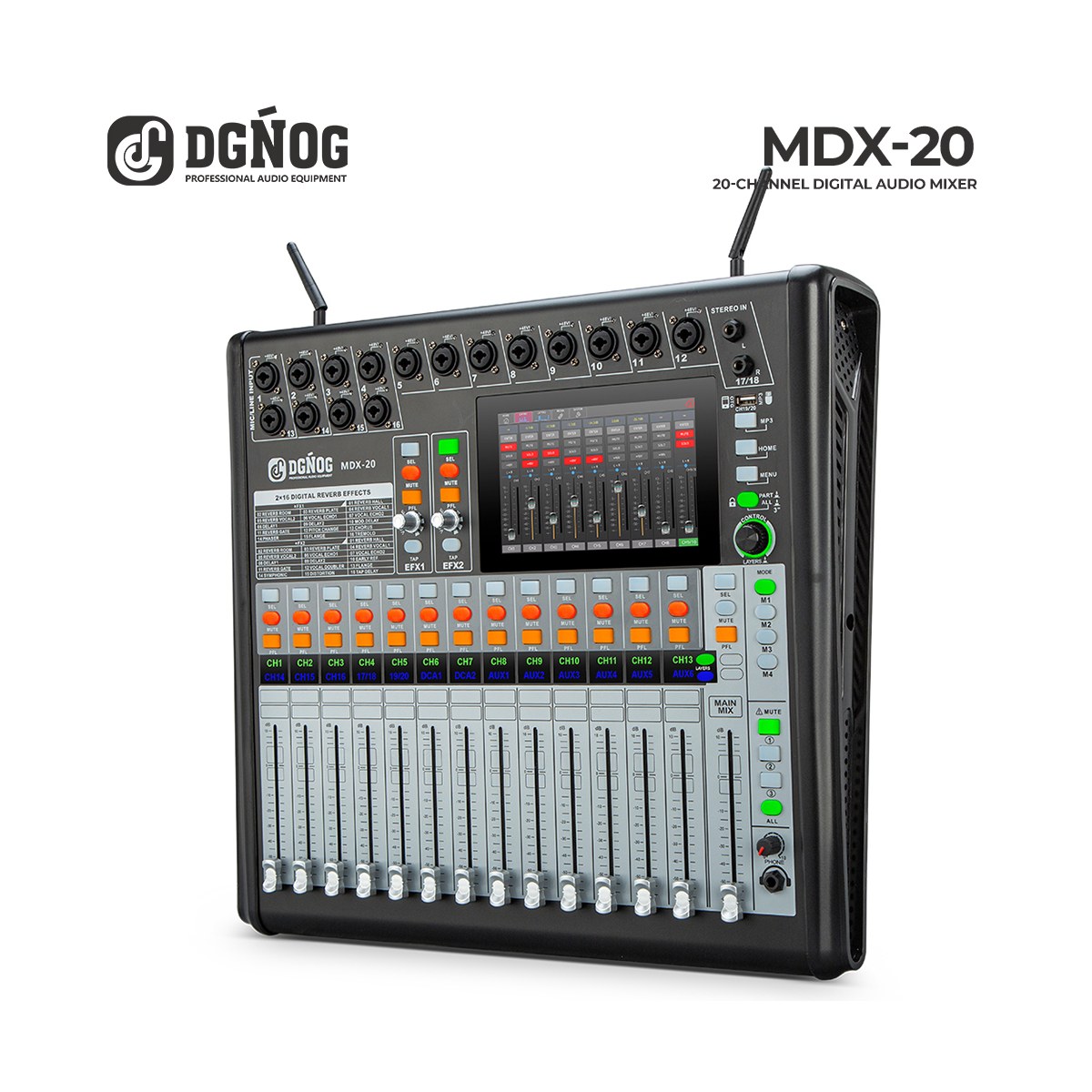
MDX-20 catalogue reference: identify the supplied version and its output map. This photograph does not establish a tested package with the wireless equipment below.
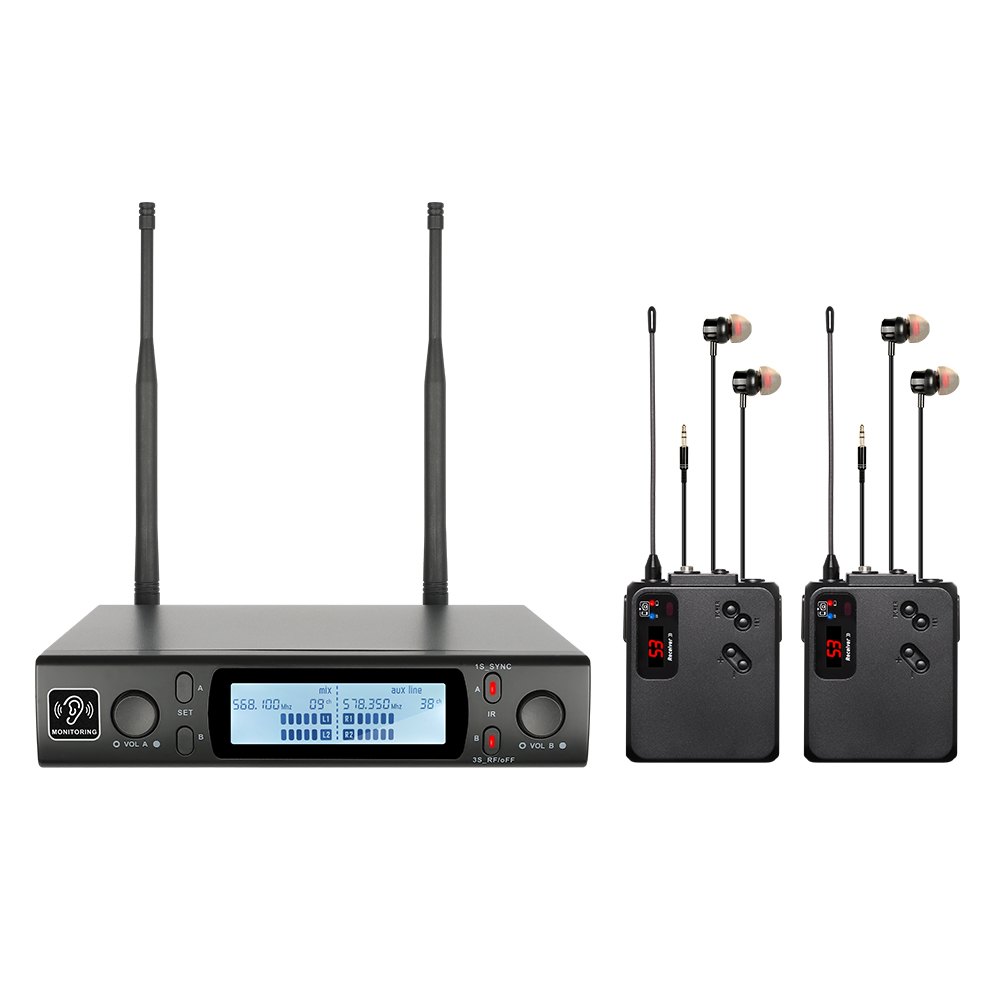
PSM400 catalogue reference: request the actual unit's manual and mode demonstration. No stereo, dual-mono or third-party mode is assumed from the photograph or model name.
| Check | Evidence to retain | Pass condition |
|---|---|---|
| Listening requirement | Performer-to-mix map; mono/stereo choice | Shared and independent balances are distinguished |
| Mixer resources | Bus allocation and physical output patch | Every required audio path has an available destination |
| Actual IEM mode | Unit label, matching manual and demonstrated settings | Requested mode exists on the offered version |
| Cables and levels | Connector wiring and documented input/output settings | Signal reaches the intended input without observed overload |
| Left/right identity | Left-only and right-only test observations | Channel assignment matches the documented listening mode |
| Mix independence | Change one source mix while observing the others | Unrelated performer balances remain as intended |
| Recall and handover | Saved configuration, tested behaviour and outstanding conditions | The operator can reproduce the accepted arrangement |
Diagram suggestion for the test sheet: draw one line for each mono audio path and two labelled lines for each stereo pair. Keep a receiver count beside the listeners, not beside the mixer buses. Add a separate column for the radio configuration so audio-channel counts are not mistaken for simultaneous wireless-system capacity.
Model-specific terminology needs care. The Shure PSM900 manufacturer guide describes stereo listening and MixMode operation, including blending two sources at the receiver. That is a documented example for the named Shure equipment; it does not prove that an ELEGAUDIO catalogue product with a similar name implements the same feature.
ELEGAUDIO helps buyers organize supply-chain selection, model-specific documents, sample inspection and OEM/ODM coordination around an agreed requirement. Send the listening map before requesting a package quotation: it makes missing outputs, unclear modes and untested assumptions visible before the order is finalized. Availability, supplied identity, features and delivery terms require order-specific confirmation.
No. Receivers reproduce the feed and supported listening options available to them. Four listeners may share one mix, or need several distinct mixes. Count the required source balances and verify the actual transmitter/receiver arrangement rather than equating pack quantity with mix quantity.
A conventional mono AUX output provides one audio channel. A conventional stereo feed requires two channels, provided through a documented stereo output or suitable paired outputs. Check the actual mixer's architecture, connector wiring and patching; do not infer stereo from an AUX label alone.
TRS describes a connector with tip, ring and sleeve contacts. Those contacts may be used for one balanced mono signal or for other functions, depending on the equipment. Read both devices' connection diagrams before choosing the cable.
Only treat this as an option when the actual system's documentation and receiver modes support the required arrangement and the demonstration passes. Do not generalize a named manufacturer's feature to another product. Record what each listener can change and which adjustments remain shared.
Choose the documented send tap that matches the operator's workflow and test the result. For monitoring that should stay independent of front-of-house fader moves, a suitable pre-fader arrangement is often useful; mute, processing and recall behaviour still need separate verification.
Send country, application, performer count, number of independent mono and stereo balances, existing mixer and available outputs, required receiver quantity and purchasing quantity. Include photographs and manuals for existing equipment. ELEGAUDIO can then help define the documents and sample checks needed for evaluation.
Continue the workflow: Pre-fader AUX soundcheck | Venue and RF information handover | Browse Buying Guides by topic.
Procurement contact: Yara | WhatsApp +86 13631291403 | yara@elegaudio.com.
#DigitalMixer #WirelessIEM #MonitorMix #AudioRouting #Soundcheck #ELEGAUDIO #ProAudio